
See your whole event from one screen
The Command Centre is a live event day dashboard in IventsPro. Watch check-ins by scanner, see what is on in each room, count meals and spot denied scans. So you know where to send people before the queue tells you.
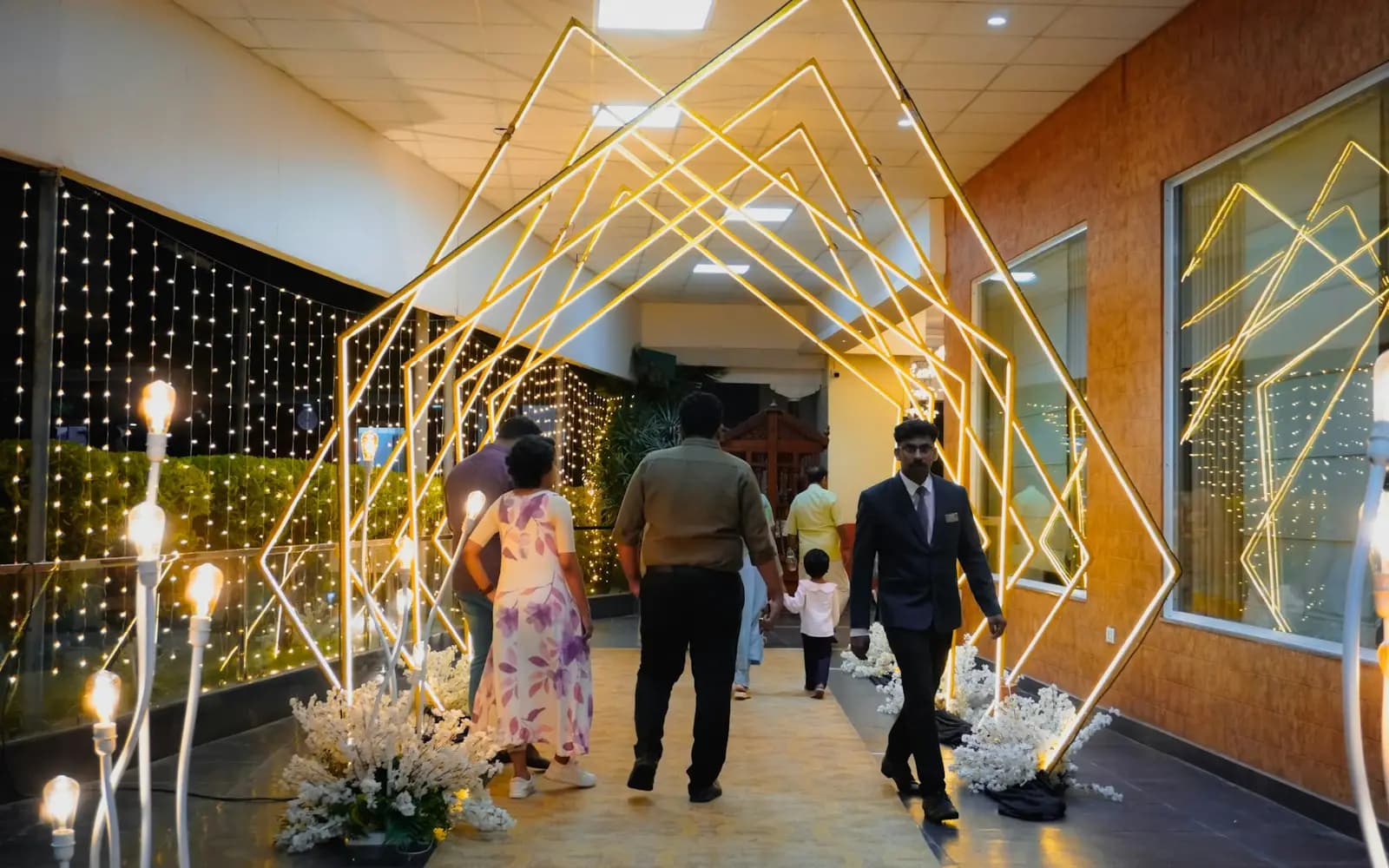 Photo: Unsplash
Event day runs on phone calls
On event morning the team rings each gate for a count, walks to each room to see how full it is, and hears about a problem when someone complains.
The Command Centre reads the scans, room check-ins and meal scans your team already records, and puts them on one page. There is nothing extra to fill in.
How it works
Pick the event
Open the Command Centre from the dashboard and choose one event.
Scan as usual
Gate, meal and room scans count as they happen. Nobody enters anything twice.
Watch the numbers
The page refreshes every 30 seconds and shows the time of the last update.
Act on alerts
Denied scans, rooms over capacity, blocked rooms and scanners gone quiet come first on a phone.
Who it's for
- Event managersOne page for the event day, on a laptop or a phone.
- Operations teamsPut it on a big screen in the control room.
- OrganisersSee check-ins and tickets sold without calling the gate.
What you see Sample data
Checked in
1,240
36 in the last 15 minutes
Room B
46 of 60
Next: panel at 11:30
Alert
3 denied scans
Most often: Ticket is cancelled
Questions organisers ask
What does it show?
Check-ins by scanner, the rate over the last 15 minutes, each room now and next with people in it, blocked rooms, meals served today, seats assigned, volunteers checked in and alerts.
How fresh are the numbers?
The page refreshes every 30 seconds and shows the time of the last update. If a refresh fails, it keeps the last numbers and says how old they are.
Does it count people by gate?
It counts by scanner, meaning the person logged in on each phone. Scans do not record a gate yet, so give each gate its own scanner login.
How does it know a room is full?
Room counts come from door check-ins in the last 45 minutes, set against the capacity you gave the room. If people skip the door scan, the count is low.
What makes an alert?
Denied scans in the last 15 minutes, a room over capacity, a blocked room with bookings still in it, a room past its reopening time, and a busy scanner with no check-ins for 15 minutes.
Who can see the money?
Tickets sold show to admins, organisers and event managers. Revenue shows to admins only. Every other figure shows to everyone with access to the page.
Does it need extra equipment?
No. It runs in the browser on any laptop, big screen or phone, and uses data from the phones already scanning.