
Sessions and meetings
IventsPro runs a conference programme: sessions, rooms, speakers and 1:1 meetings. You build the agenda, check people into rooms, and open a deal room where attendees book time with speakers and sponsors. So every room is used and every meeting is in someone's calendar.
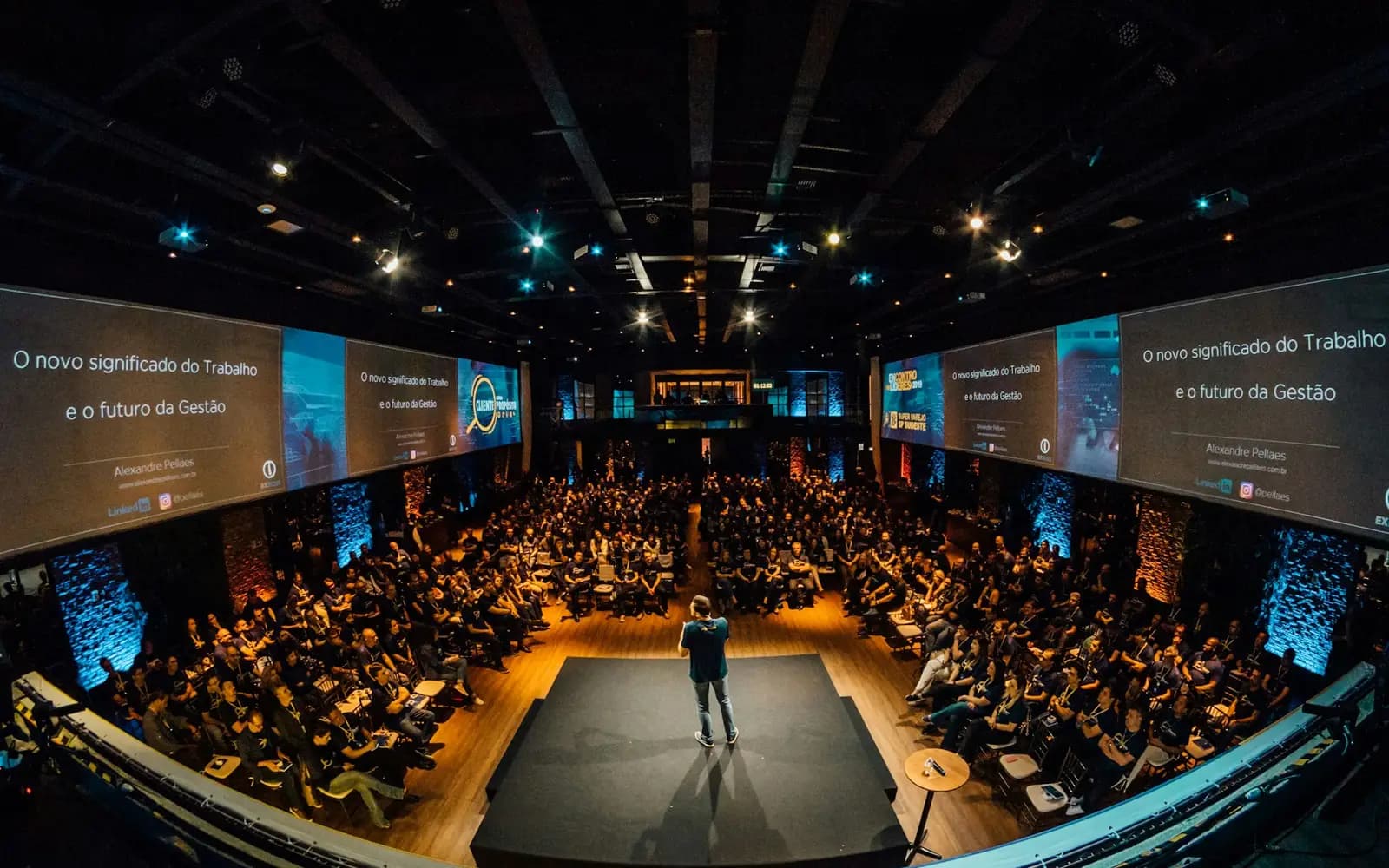 Photo: Unsplash
Full rooms, empty rooms
At a multi-track conference one room overflows while another sits half empty, and the meetings sponsors paid for happen by chance in the corridor.
IventsPro counts people into each room and books meetings in fixed slots, with confirmations and calendar links.
How it works
Build the programme
Add sessions, rooms and speakers. IventsPro warns about clashes in speaker time and room bookings.
Publish the agenda
Attendees see the programme on the event's public agenda page.
Check into rooms
Scan at the door, or let people scan the QR on the door sign. The room status screen updates every 30 seconds.
Open the deal room
Speakers and sponsor reps offer slots of 10, 15, 20 or 30 minutes. Attendees book without an account.
Who it's for
- Summits and conferencesParallel tracks, with a head count for every room.
- B2B exposBuyers book meetings with exhibitors and sponsors in fixed slots.
- SponsorsMeeting time they paid for, booked and confirmed.
What you see Sample data
Room B
46 of 60 in
Next: panel at 11:30
1:1 meeting, 15 minutes
Confirmed
Added to Google Calendar
Room report
3 no-shows
Exported to CSV
Questions organisers ask
Do attendees need an account to book a meeting?
No. They book from the deal room page and get the confirmation by email, with a Google Calendar link.
Can a host approve meetings first?
Yes. Each host chooses request mode, where they confirm each booking, or instant mode, where open slots book straight away.
Does it handle time zones?
Yes. Meeting times carry their time zone, so a speaker from abroad sees their own local time.
Can I see which sessions were full?
Yes. The room report shows attendance, no-shows and room use for each session, and exports to CSV.
Is there video or livestreaming?
No. Sessions and meetings on IventsPro are in person.