
Wedding pages
IventsPro wedding pages give your wedding one private link to share. Add your story, programme, dress code and directions, collect RSVPs, and receive cash gifts. So guests find everything in one place, and you know who is coming.
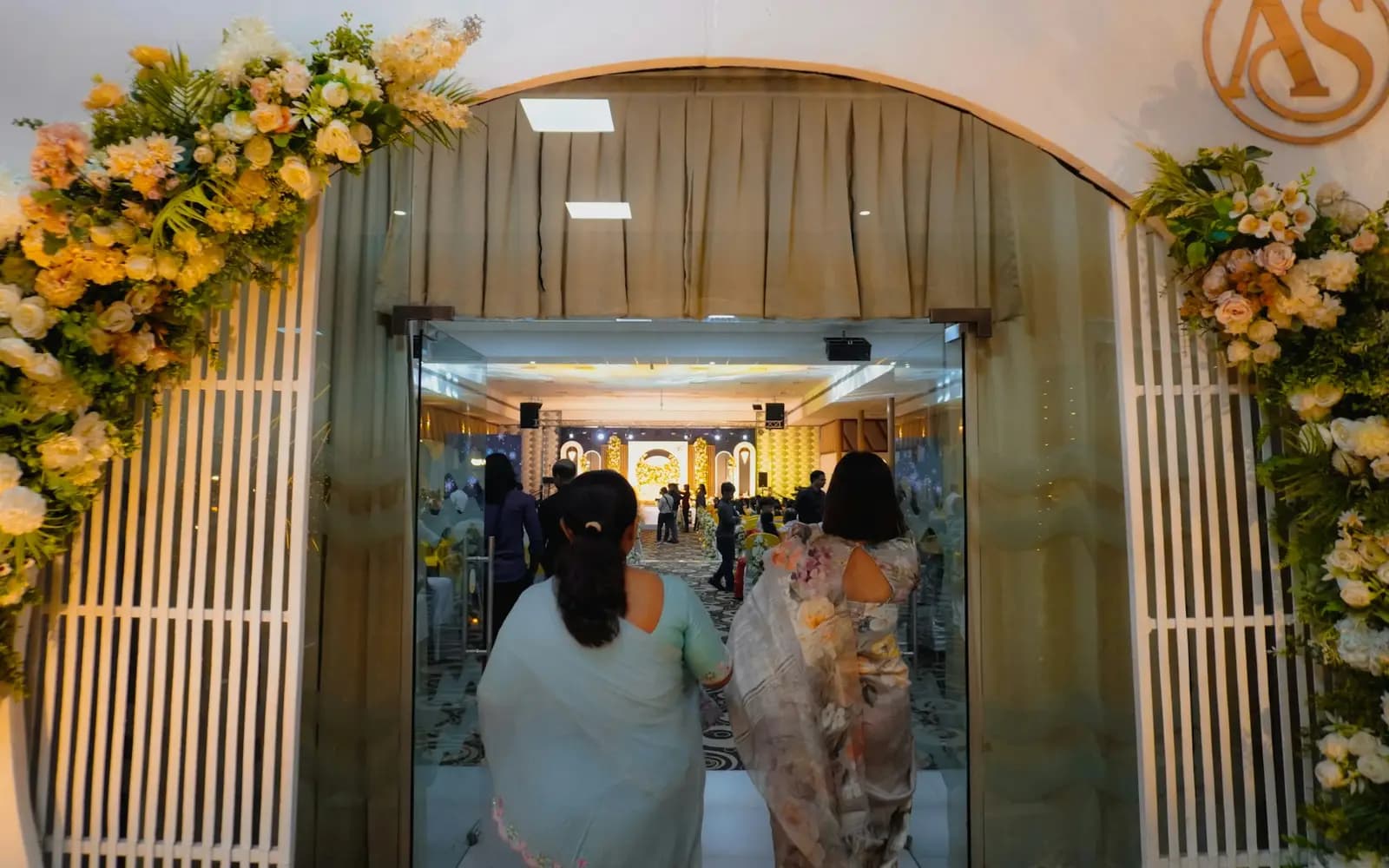 Photo: Unsplash
Answer the questions once
Before a wedding the same questions come in again and again: where is it, what time, what to wear, how to send a gift.
A wedding page answers them once. It is private, and only someone with the link can open it.
How it works
Create the page
Add the couple, the day, your colours, your story, a gallery and the dress code.
Preview and publish
It saves as a draft with a private preview link and a QR code. Publish when you are ready.
Share
Send the link, or print the QR code on your invitation card.
RSVPs and gifts
Guests RSVP with plus-ones and meal choice, sign the guest book on the day, and send cash gifts.
Who it's for
- CouplesOne link for directions, the programme, RSVPs and gifts.
- Wedding plannersA head count with meal choices before you book the caterer.
- FamiliesSet it up for the couple and share it with every relative.
What you see Sample data
RSVPs
86 coming
12 plus-ones, 4 declined
Guest book
23 messages
5 voice notes
Questions organisers ask
Is the page public?
No. It is never listed on IventsPro, and only someone with the link can open it.
How do cash gifts work?
Guests send a gift online and it goes to the M-Pesa number you connect. IventsPro shows you the name registered to that number before you connect it. You can also show a Till, Paybill or phone number for guests to pay directly.
What does it cost?
Online cash gifts carry a 5% fee, so you receive 95% of each gift.
Can guests RSVP after the wedding?
No. RSVPs close on the wedding day, when the guest book opens.
Can guests leave messages?
Yes. The guest book takes written notes, voice notes and photos, and only the couple sees them.